Moadra full map: Exploration and Hidden Path Guide
Looking for a Moadra full map? Learn how to find hidden paths, read objectives, revisit blocked routes, and explore Protea VI more efficiently.
Searching for a Moadra full map because every passage seems to lead back to a locked wall? Knowing how to read objectives, uncover concealed openings, and recognize traversal opportunities can save you repeated trips through dangerous rooms. This Moadra full map guide explains those navigation tools while clearly separating verified game features from player experience.
Map availability note: As of October 23, 2026, the sources reviewed for this guide do not provide a verified, complete map image or interactive atlas. This article is an exploration companion—not a room-by-room map, collectible database, or confirmed 100% completion route.
Moadra Full Map: What Is Confirmed?
Moadra takes place on Protea VI, an alien world with hostile environments and concealed passages. Gloomsoft’s overview, published in Gematsu’s Moadra announcement and feature breakdown, confirms that the scanner can expose hidden routes and secret spaces while helping map explored locations.
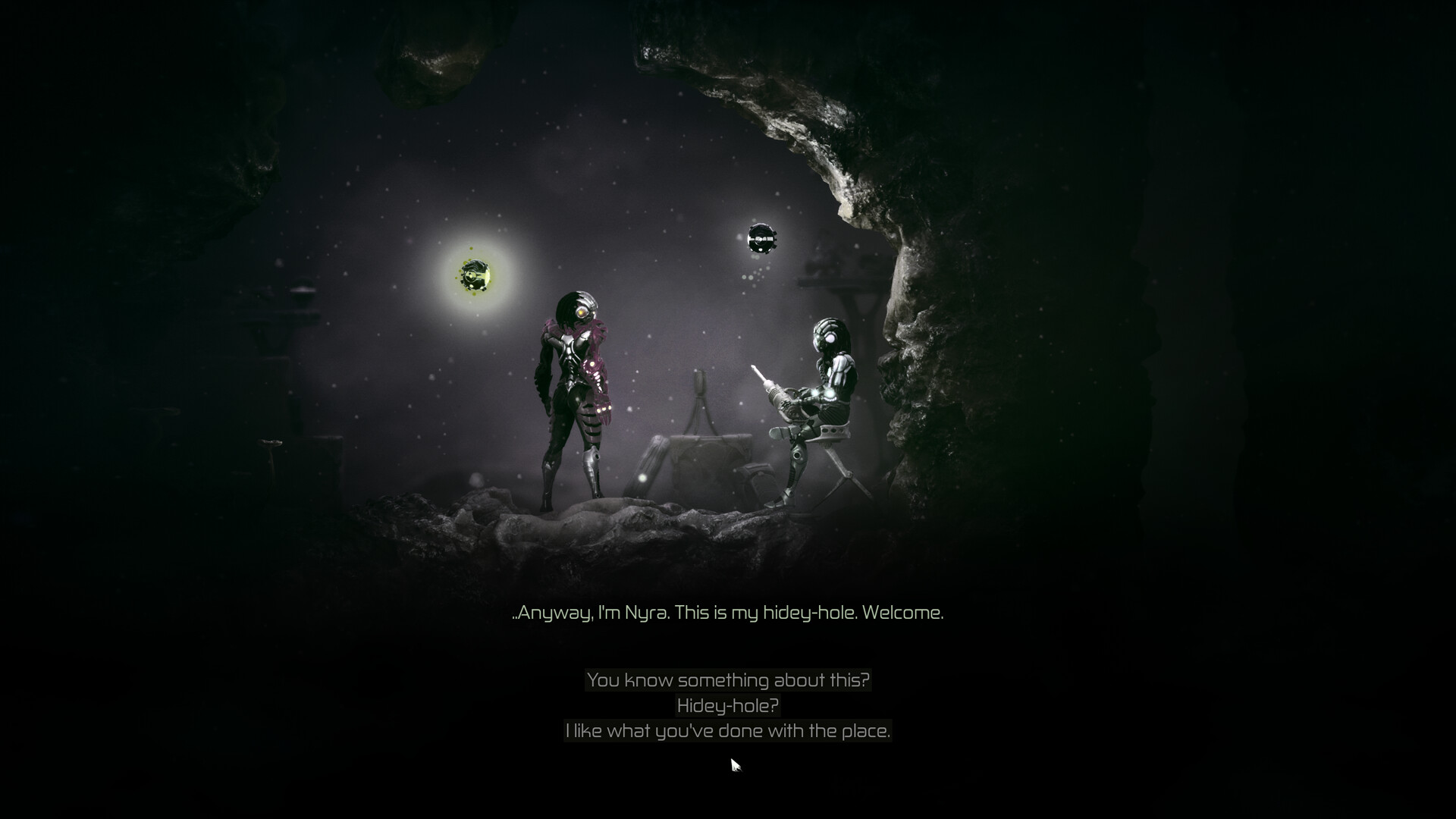
Official screenshot · Source: Steam store
That makes scanning central to exploration rather than an optional collectible-hunting extra. However, the available material does not establish the complete world layout, every region name, or the requirements for full completion.
| Map-related detail | What the sources establish | Practical takeaway |
|---|---|---|
| World setting | Exploration takes place on Protea VI | Expect different environments within one broader world |
| Environmental variety | Surface wasteland, freezing summits, and an infested research facility are described | Prepare for changes in hazards and traversal |
| Scanner function | Hidden paths and secret areas can be revealed | Scan suspicious surroundings before abandoning a route |
| Exploration mapping | The developer describes mapping explored places | Use your growing map to organize return trips |
| Complete world atlas | Not supplied in the reviewed material | Do not treat an unverified layout as a completion checklist |
| Collectible and room totals | Not established by these sources | Avoid assuming a specific number is required for 100% |
If you want a Moadra full map specifically to locate every upgrade, the missing information matters. A useful completion map needs more than room outlines: it should distinguish progression barriers, secret entrances, item locations, and routes that require later abilities.
Until you have a verified atlas, your in-game map, scanner, and a short set of exploration notes offer a practical alternative.
How to Find Your Next Route Without a Complete Map
The most useful navigation advice in the available player experience, documented in Poopy Gaming’s Moadra beginner tips video, is to read the objective shown at the bottom of the map screen.
According to that account, the objective describes your current task and often indicates the area you should investigate. It does not necessarily mean the nearest locked route is the correct entrance.
Follow the objective before chasing every opening
When progress stalls, stop making disconnected trips through familiar rooms. First establish what the game is asking you to accomplish, then compare that task with the routes you can currently reach.
A Moadra full map would help with orientation, but it would not automatically tell you which paths your current abilities can open.
Use this troubleshooting sequence:
| Step | Action | What you are checking |
|---|---|---|
| 1 | Open the map and read the current objective | Your immediate progression goal |
| 2 | Compare the objective with your current location | Whether you should remain nearby or backtrack |
| 3 | Review remembered barriers and unused exits | Possible connections toward the destination |
| 4 | Scan the surroundings near a dead end | Concealed openings or overlooked passages |
| 5 | Test available movement techniques | Whether the obstacle is actually a traversal challenge |
| 6 | Change routes if a clear requirement is missing | Whether another entrance is needed |
Separate an unexplored route from an inaccessible one
A passage you have not tested is different from a barrier you already know requires something missing.
The beginner video’s player experience describes situations involving unavailable abilities or passcodes. Repeatedly returning to those obstacles without a relevant change is unlikely to help.
Instead, keep a short note such as:
- “Locked route—needs passcode.”
- “Tall wall—test repeated wall jumps.”
- “Suspicious wall—scan on return.”
- “Narrow passage—try ball form.”
These are suggested personal notes, not confirmed in-game marker labels. Their purpose is to turn vague memories into specific actions.
Use the Scanner to Find Hidden Paths and Upgrades
The scanner is the strongest confirmed tool for uncovering routes that ordinary observation can miss. The developer describes a scanner bot with X-ray functionality that examines creatures and surroundings and reveals concealed spaces.
The beginner video adds player experience that these discoveries can include progression paths, shortcuts, and permanent upgrades. Treat those outcomes as reported exploration possibilities, not a guarantee that every suspicious wall conceals a reward.
Build scanning into your exploration routine
Rather than scanning randomly after several frustrating loops, use consistent checkpoints:
- At an apparent dead end.
- Around walls beside an unexplored space.
- Near a passage that seems to stop unexpectedly.
- When your objective suggests a destination but no entrance is obvious.
- When returning to an area you previously crossed in a hurry.
These are recommended search habits based on the scanner’s documented purpose. They are not verified secret-location clues.
A Moadra full map can show where a passage exists, but scanning helps you investigate the entrance in your own playthrough. That distinction matters when a route is visually concealed rather than simply far away.
Confirm the route after discovering it
Once you uncover an opening, pause long enough to understand what it connects. Is it a new branch, a return route, or a passage toward your objective?
That small check makes future backtracking easier. Finding a shortcut is useful; remembering which journey it shortens is more useful.
Avoid assuming that a normal-looking wall rules out further progress. The scanner exists specifically because some important environmental information is hidden from ordinary view.
Movement Techniques That Can Make Routes Accessible
Some apparent roadblocks may be movement problems rather than progression locks. The following inputs come from the beginner video’s player experience, not an official control manual. Check your own control bindings before attempting them.
| Technique | Reported method | Where it may help |
|---|---|---|
| Ball form while crawling | Press jump while inside a crawl space | Moving through tight passages more quickly |
| Ball form in an open area | Hold down and a direction, then press jump | Faster rolling traversal |
| Repeated wall climbing | Jump toward a wall, hold toward it, and repeatedly press jump | Reaching heights beyond a single jump |
| Temporarily stopping crawlers | Shoot applicable hard-shelled crawlers with the standard weapon | Creating a safer platforming window |
| Shooting from a ledge | Fire while hanging where the situation allows | Clearing threats before advancing |
Try wall climbing before ruling out a vertical route
The video describes repeated wall climbing as a technique players can overlook. Before deciding a wall requires a later upgrade, test the reported method somewhere relatively safe.
Hold toward the wall while repeating the jump input. If the technique works in that situation, a seemingly unreachable route may already be accessible.
This is especially relevant when using a Moadra full map alongside your own save: knowing that two spaces connect does not explain the movement needed to travel between them.
Use crawler pauses to simplify platforming
The same player account reports that certain hard-shelled wall crawlers can be immobilized for around five seconds with standard weapon fire.
That is an approximate observation, not a universal timer for every enemy. Still, it suggests a useful approach: stop an applicable crawler before crossing its path instead of trying to squeeze past while it moves.
Likewise, ball form is reportedly available from the beginning. Do not automatically assume every tight passage requires a future transformation unlock.
Plan Backtracking Without Repeating the Same Mistakes
Efficient exploration is less about checking every corridor constantly and more about returning with a reason. A new ability, relevant passcode, clearer objective, or newly understood movement technique can justify another visit.
A Moadra full map is most useful when paired with that progression context. Otherwise, a complete layout can tempt you into chasing inaccessible destinations too early.
Keep a lightweight exploration log
Record only enough information to make your next decision easier. A few clear entries are more useful than an elaborate list you stop maintaining.
| Record this | Example personal note | Reason to return |
|---|---|---|
| Barrier type | “Passcode required” | You obtain relevant access information |
| Movement challenge | “High wall above explored route” | You learn or improve a traversal technique |
| Unchecked passage | “Narrow opening near previous route” | You can test ball form safely |
| Suspicious surroundings | “Wall not scanned yet” | You revisit with time to investigate |
| Dangerous crossing | “Crawler blocks jump” | You can attempt the reported stun method |
The examples above illustrate a note-taking system; they do not identify actual map locations.
Prepare for return trips
The beginner video’s player experience reports that enemies respawn after leaving and returning to an area. A familiar route therefore should not be treated as permanently safe.
The same account describes refundable upgrades: selecting a purchased upgrade and using the purchase input reportedly returns the invested points. That flexibility can help if your current setup makes repeated encounters difficult.
Practical preparation includes:
- Using upgrades you can afford rather than leaving points unused indefinitely.
- Reconsidering your weapon investment if a route’s enemies are troublesome.
- Clearing dangerous encounters carefully before attempting platforming.
- Choosing a manageable return trip instead of repeatedly forcing a difficult one.
The video also describes farming enemies near rest pods, but presents this as optional rather than necessary. Explore naturally first; consider extra upgrades if combat repeatedly prevents you from investigating a route.
For completion-focused exploration, keep two separate lists: places not yet investigated and places investigated but blocked. This prevents you from confusing unfinished searching with a known progression requirement. It also gives you a useful plan whenever a new tool changes what you can reach.
FAQ
Is a verified Moadra full map available in this guide?
No. The sources reviewed as of October 23, 2026, do not include a verified complete map image or interactive map. This guide provides supported navigation advice without inventing room layouts, item coordinates, or region connections.
What should I do first when I get lost?
Open the map and read the objective at the bottom of the screen, as described in the beginner video’s player experience. Then check possible approaches, scan nearby dead ends, and consider whether you need an alternate route.
Can scanning reveal routes needed for progression?
The developer confirms that scanning reveals hidden paths and secret areas. Player experience also describes finding routes forward, shortcuts, and permanent upgrades through scanning. It is worth using when ordinary visual inspection reveals no clear way ahead.
Do narrow passages and tall walls always require later upgrades?
Not necessarily. Player experience reports that ball form is available from the beginning and that repeated wall jumps allow continued climbing. Test those techniques before assuming you need a new ability, while recognizing that some barriers still require specific progression unlocks.
Related Guides
Moadra all bosses: What's Known and Combat Tips
Looking for Moadra all bosses? Check what's verified about the boss roster, combat tools, upgrades, and practical preparation tips.
Moadra demo boss: Combat Tips and Prep Guide
Prepare for the Moadra demo boss with practical combat tips, upgrade priorities, and a retry checklist, plus clear limits on confirmed encounter details.
Moadra good ending: What You Can Verify Today
Looking for the Moadra good ending? Learn what the available evidence supports, avoid a mismatched walkthrough, and check ending guides safely.
Moadra price: Steam Launch Deal and Buying Guide
Check the Moadra price, Steam's $22.49 launch offer, its November 5 deadline, Xbox availability, and free demo details before buying.
Moadra PC: Requirements, Price, and Platform Guide
Explore Moadra PC requirements, Steam pricing, demo access, Steam Deck support, and Xbox Play Anywhere before choosing where to play.